
MiniMax H3 Max AI video generator
Create detailed cinematic sequences with MiniMax H3 Max at 480P, 768P, or 1080P. Generate 5s, 6s, or 10s video shots with rich physical presence.
Best for
MiniMax H3 Max delivers expressive cinematic character performances and rich environmental detail. Supporting 480P SD, 768P HD, and 1080P Full HD resolutions with flexible durations of 5, 6, and 10 seconds, it handles subtle facial expressions, complex lighting transitions, and dense urban scenery with remarkable stability.
Where it fits
For best results, specify actor emotions, precise gestures, and environmental ambience. A cinematic medium shot of a craftsman examining an intricate brass timepiece under a warm tungsten desk lamp, or an aerial view of a misty coastal highway at dusk, allows the model to showcase its nuanced rendering depth.
Prompting tips
In the studio, select MiniMax H3 Max, set your frame to 16:9 widescreen, 9:16 vertical, or 1:1 square, and pick your target duration. You can start from a pure text prompt or anchor the first frame with a concept image. Generate variations to explore different subtle emotional beats.
Controls and pricing
Under dynamic category pricing, 480P and 768P tiers offer substantial credit value for social media creators, while 1080P provides full broadcast clarity. MiniMax H3 Max sits alongside MiniMax H3 and Turbo, giving you precise control over cost and speed tradeoffs.
Good to know
Export finished MiniMax H3 Max clips directly to the studio timeline editor to sync with dialogue generated in the ElevenLabs audio suite or foley tracks from sound effects.
Also worth knowing
The deep architectural coherence of MiniMax H3 Max prevents common video artifacts like melting surfaces or sliding feet during camera dolly passes. Characters maintain structural stability, facial anatomy, and clothing patterns across the entire duration of the clip.
One more note
Use MiniMax H3 Max in conjunction with the Voice Cleaner and Sound Effects suites to quickly build full narrative storyboards with synchronized dialogue and environmental foley.
Where it fits
The deep architectural coherence of MiniMax H3 Max prevents common video artifacts like melting surfaces or sliding feet during camera dolly passes. Characters maintain structural stability, facial anatomy, and clothing patterns across the entire duration of the clip.
Where it fits
Use MiniMax H3 Max in conjunction with the Voice Cleaner and Sound Effects suites to quickly build full narrative storyboards with synchronized dialogue and environmental foley.
Credits and controls
- Resolution
- 480P SD, 768P HD, 1080P Full HD
- Aspect ratio
- 16:9, 9:16, 1:1
- Duration
- 5s, 6s, 10s
- 5s · 480P SD
- 60 credits
- 10s · 480P SD
- 115 credits
- 5s · 768P HD
- 90 credits
- 10s · 768P HD
- 180 credits
- 5s · 1080P Full HD
- 155 credits
- 10s · 1080P Full HD
- 305 credits
Example prompts
Example prompt
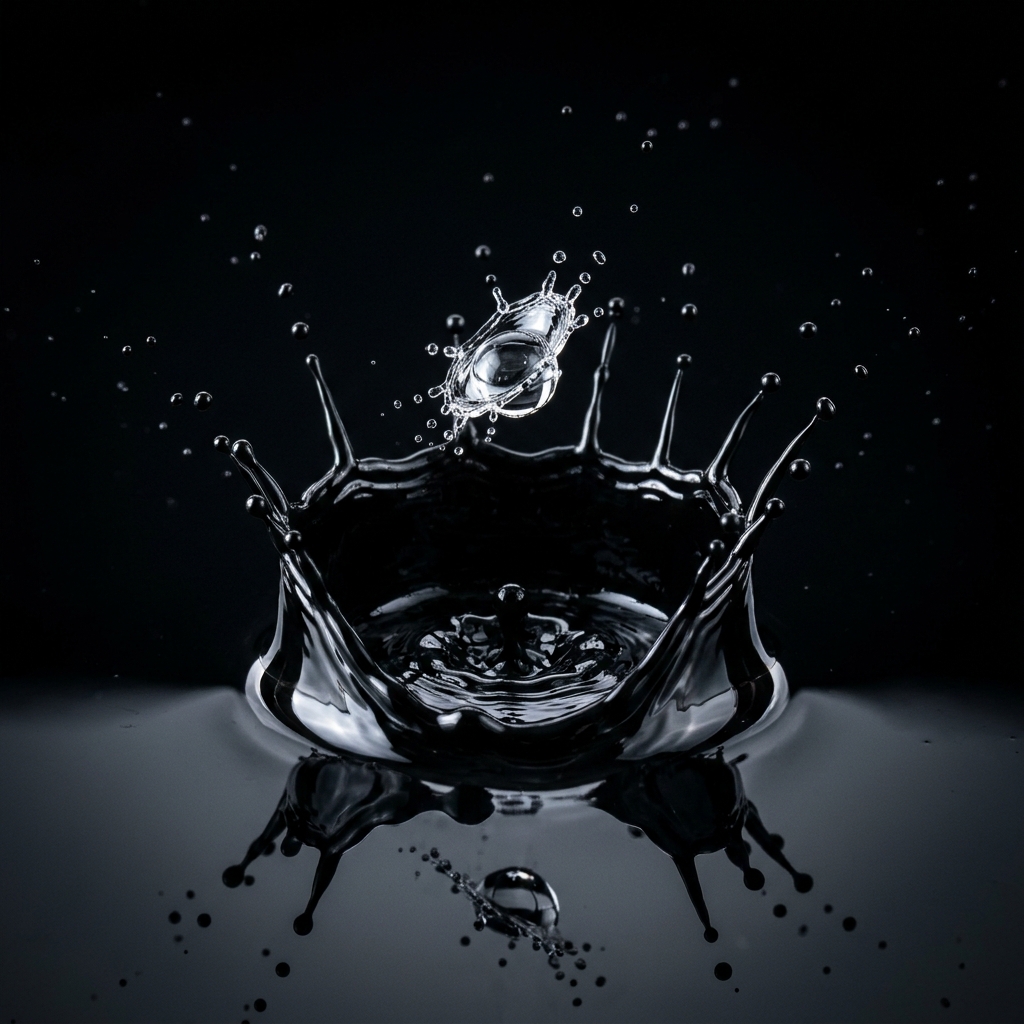
Macro: water droplet falls into a pool of black ink, slow motion, crown splash, studio lighting
Questions
What resolutions does MiniMax H3 Max support?
480P SD, 768P HD, and 1080P Full HD.
What clip durations can I choose?
5 seconds, 6 seconds, and 10 seconds.
Which aspect ratios are available?
16:9, 9:16, and 1:1.
Can I upload a reference image?
Yes. Upload a portrait or landscape still to drive character consistency in the generated shot.
How is MiniMax H3 Max priced?
Pricing scales transparently with resolution and duration according to official category margins.