
Image to Video AI generator
Animate a still with Kling, Veo, Seedance, MiniMax, or Wan. A Seedance reference image costs 1.5 times the text price. Try it in the Framings studio.
Best for
Image to video starts from a still and asks a video model to move it. Framings uses the same five models as text to video: Seedance 2.5, Veo 3.1, Kling 4.0 Pro, MiniMax H3 Max, and Wan 3.0. You add the image, describe the motion, and keep that model's lengths and resolutions.
Controls and pricing
A practical path is text to image first, then this step. Make the portrait or the product, then tell the video model how it should move: a push-in, a turn, wind in the cloth. The still and the video are two generations, so both spend credits. The still is not included in the video price.
How to use it
Open Video, add the source image, choose the model, and set the length and the size. Write the motion rather than repeating the whole picture. Seedance treats a reference image as reference mode and multiplies its text-to-video price by 1.5. The other models use their normal video price.
Where it fits
Durations do not change because you started from an image. Kling is still 5 or 10 seconds. Veo is still 5, 8, or 10. If you need a face to speak, that is lip-sync, not this generator. If you need a new look on a clip you already rendered, that is the video enhancer.
Prompting tips
Describe the motion in the order it happens. A portrait that turns, then looks at camera, is two actions. Pick one. The still already contains the wardrobe and the room, so the prompt should spend its words on movement, timing, and camera.
Example prompts
Example prompt
Slow dolly-in on a lone surfer paddling into a glowing turquoise wave at sunrise, spray in the air, cinematic 4K
Example prompt
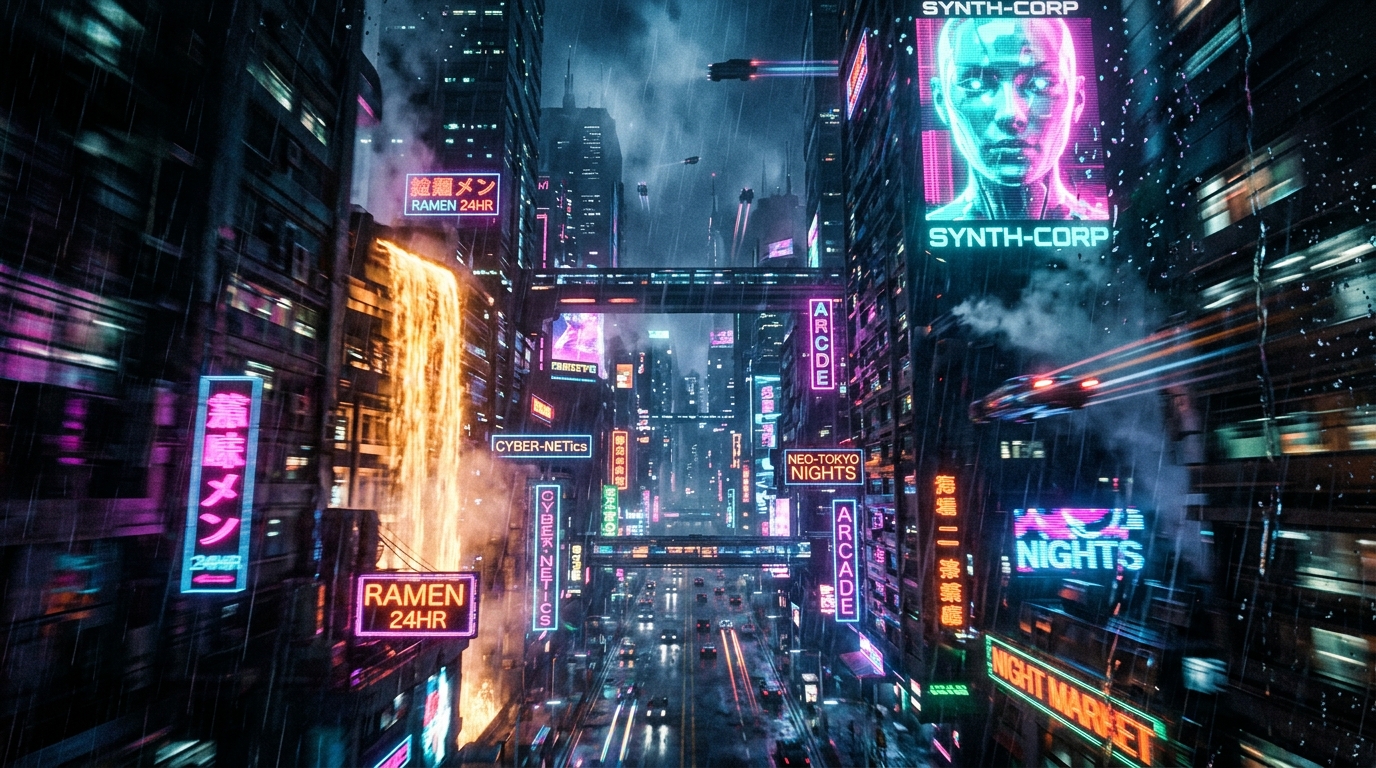
FPV drone flight through a neon cyberpunk city canyon, motion blur, rain streaks, rapid banking turns
Example prompt
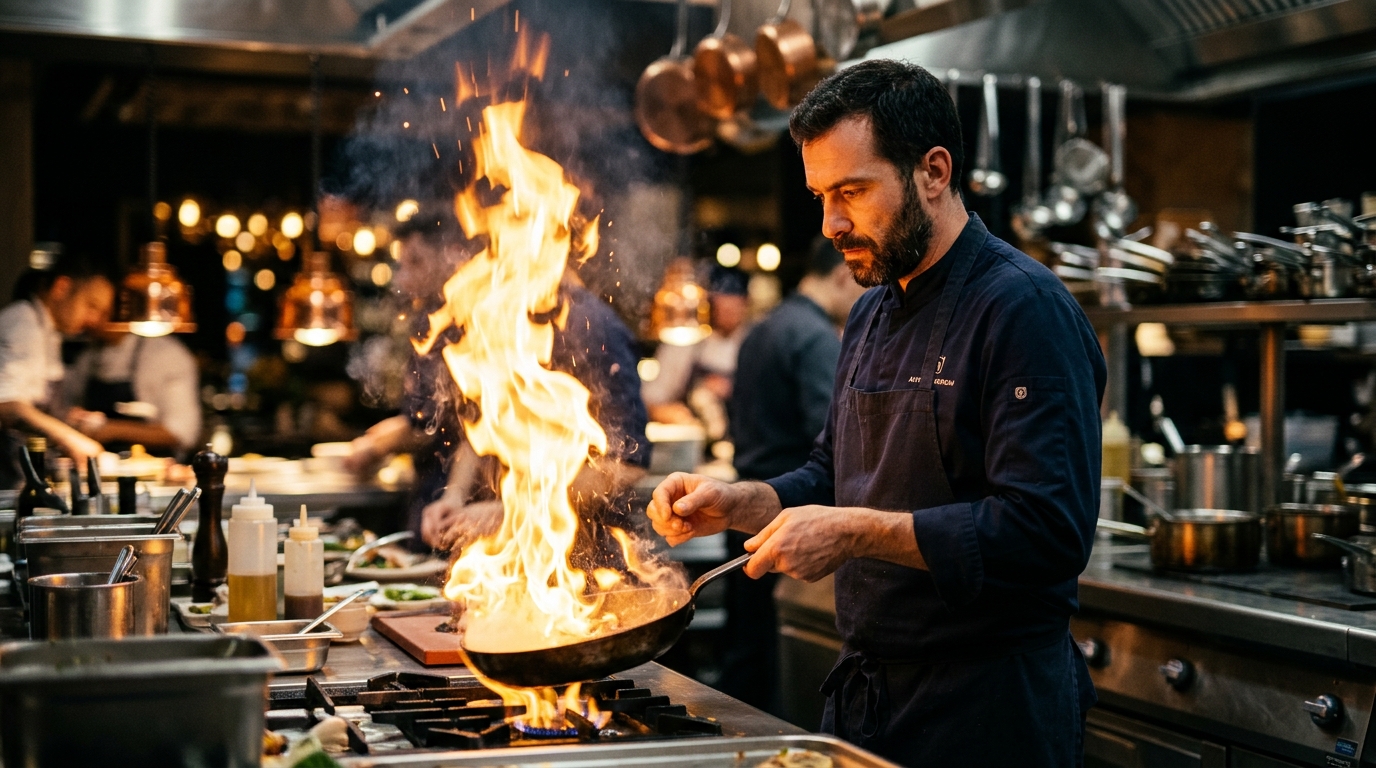
A chef flambéing a pan in a busy restaurant kitchen, fire plume, handheld camera, shallow focus
Example prompt
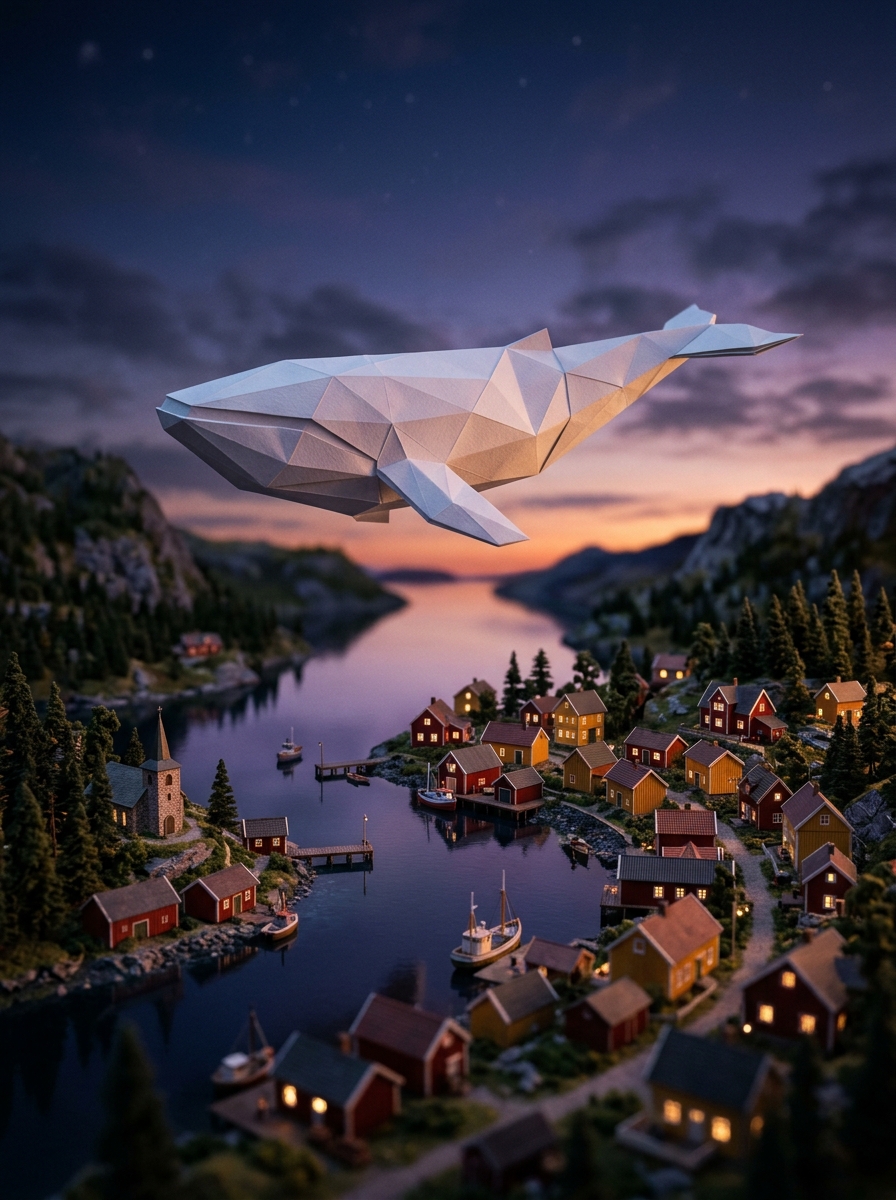
Giant paper whale gliding over a quiet Scandinavian village at dusk, miniature tilt-shift look
Questions
Which models can animate an image?
Seedance 2.5, Veo 3.1, Kling 4.0 Pro, MiniMax H3 Max, and Wan 3.0.
Which model charges extra for a reference image?
Seedance 2.5. The price is 1.5 times the text-to-video price for that length and resolution.
Do the other models add that multiplier?
No. They use their usual video credit price.
Do the available lengths change?
No. You get the lengths listed for the model you pick.
Is lip-sync the same thing?
No. Lip-sync drives a face from speech. Image to video moves a still.