
Text to Image AI generator
One AI text-to-image generator for Flux 2 Pro, Nano Banana, Seedream 5.0, and SDXL, each with its own sizes and credit price. Try it in the Framings studio.
Best for
Text to image in Framings is one studio for Flux 2 Pro, Nano Banana Pro, Nano Banana 2.1, Seedream 5.0, and SDXL. You write a prompt, pick the model, and choose an aspect ratio and a resolution from that model's list. Each model has its own credit price, so the model page is the price list.
Where it fits
Use it for campaign stills, character sheets, product frames, and the first frame of a video. Flux and Seedream cover wide 21:9 layouts. Nano Banana 2.1 and Seedream reach 4K. SDXL is the faster, lower-priced still at 1344×768 or 2K. Pick the model for the file you need, not for a brand name.
How to use it
Open Image, choose the model, set the frame, and write the subject, the light, and the crop. Generate one image. If it is close, change a single phrase. When the picture is right, render the larger size or send it to the upscaler or the background tool.
Good to know
A batch of more than one image requires Power Studio, and one request can include up to four images. Other plans generate a single image. Commercial use follows your plan: Free and Essential are personal use, and Creator and Power Studio include commercial rights, still subject to the model licenses and the acceptable-use rules.
Example prompts
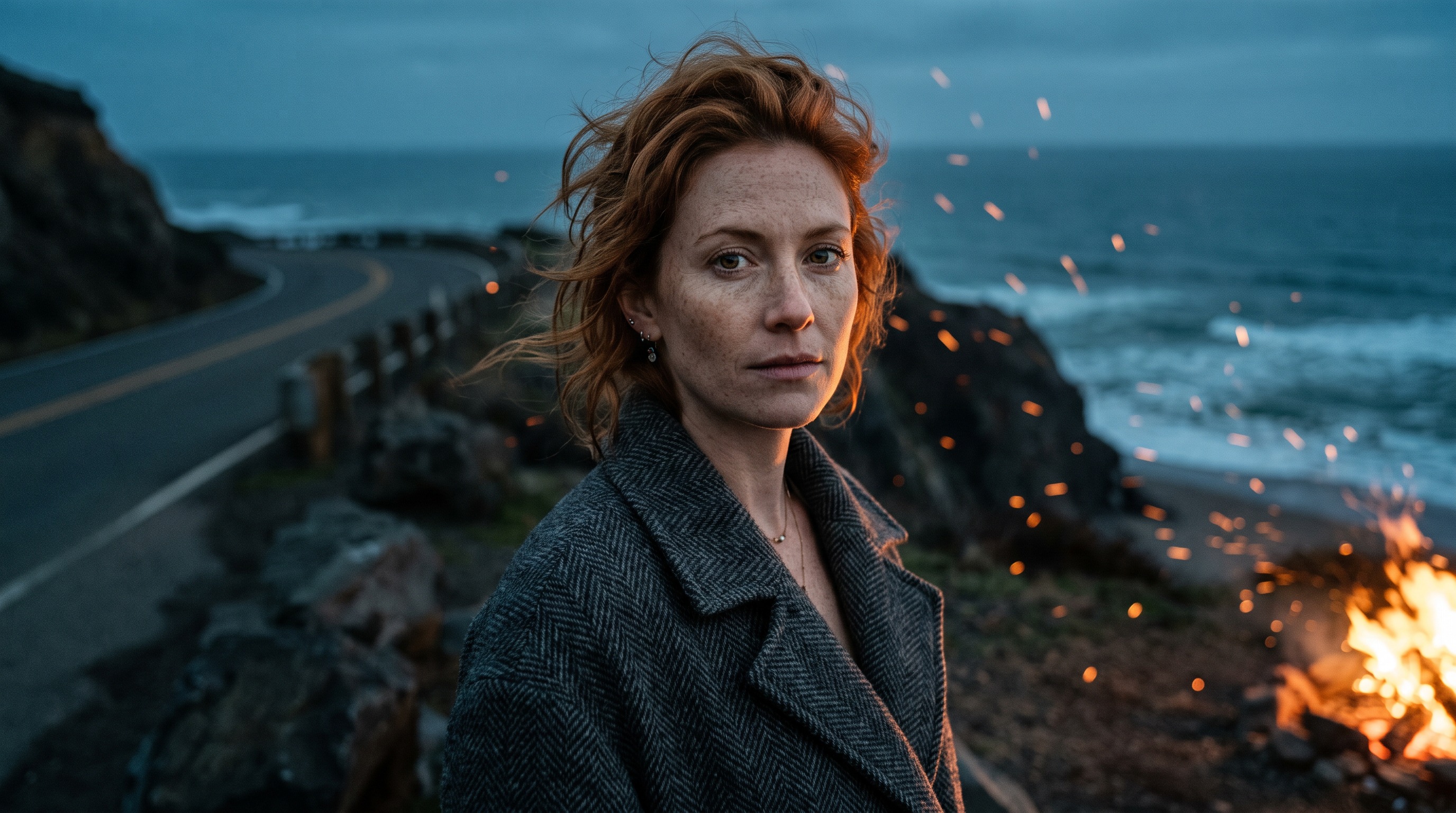
Example prompt
Create a photorealistic cinematic portrait of a woman in her thirties with freckles and windswept copper hair, wearing a heavy charcoal wool coat, turning her head toward the camera with a calm, intense gaze. She stands on an empty coastal cliff road at blue hour while warm sparks from a distant bonfire drift past her face. Medium close-up, subject centered with generous margin on all sides. Golden rim light from the right, cool teal ambient fill, shallow depth of field at f/1.8, 85mm lens, fine 35mm film grain, cinematic color grading. Widescreen 16:9.
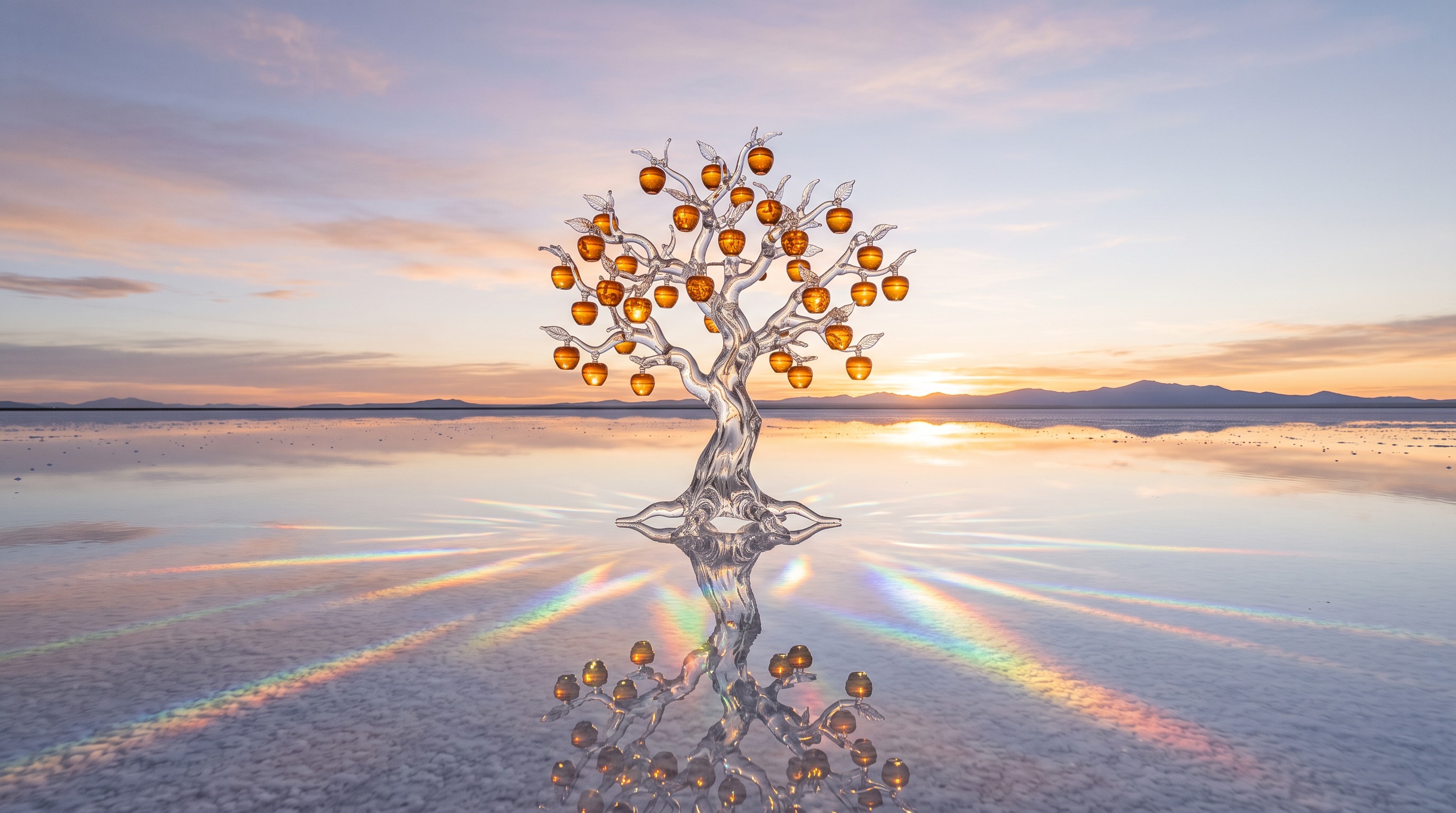
Example prompt
Generate a surreal editorial photograph of a single transparent glass apple tree growing in the middle of a calm salt flat at sunrise. Its branches hold glowing amber fruit that refract light into soft rainbow caustics on the white ground, and a mirror-still layer of water reflects the whole tree. Wide shot, tree perfectly centered, horizon at lower third, empty open sky around it. Soft pastel peach and lavender sky, crisp high-detail glass textures, medium-format photography look, quiet dreamlike mood. Widescreen 16:9 aspect ratio.
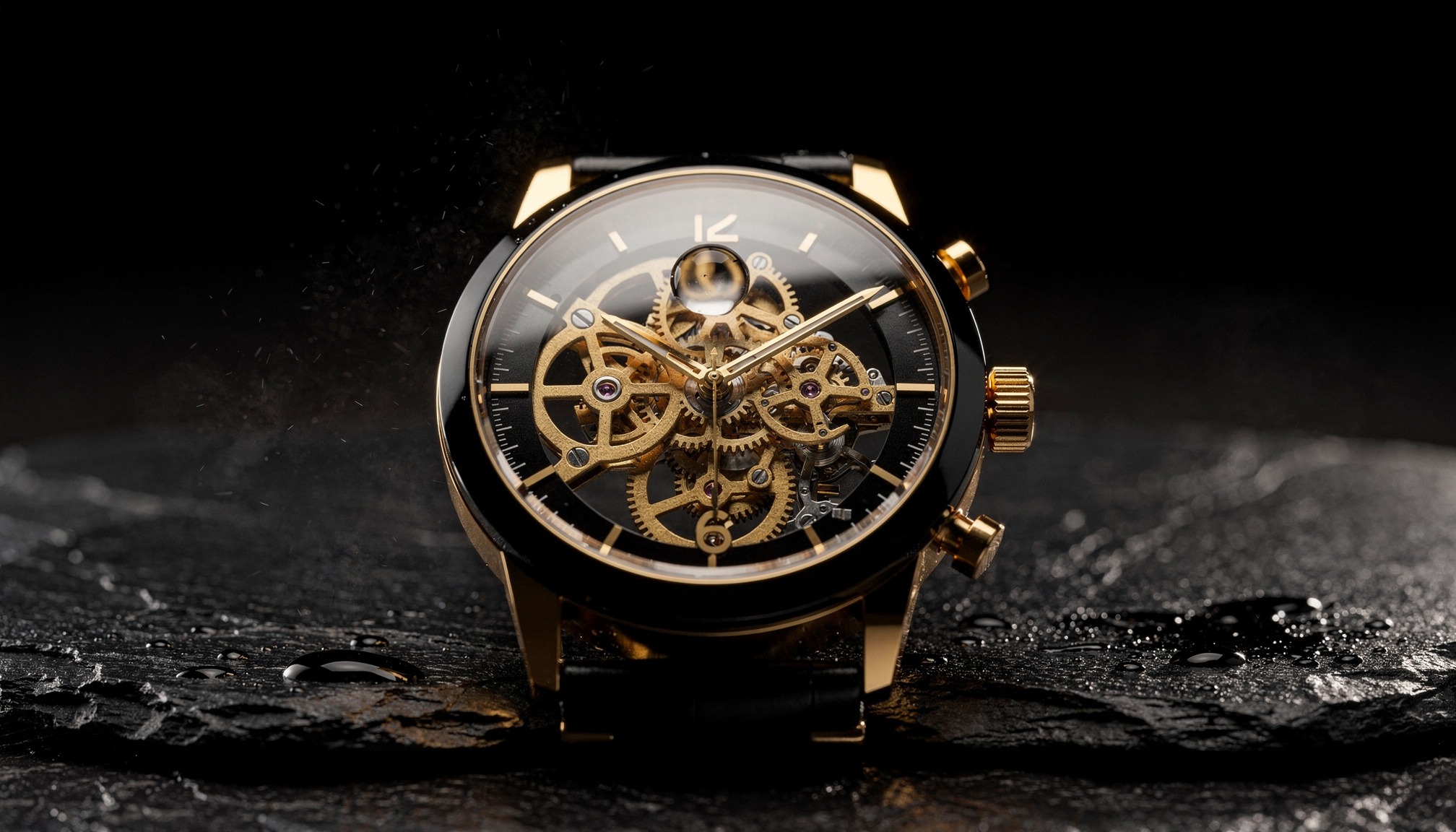
Example prompt
Macro product shot of an unbranded mechanical wristwatch with a skeleton dial, exposed brass gears and a polished obsidian-black case (#0B0B0D), resting on wet black slate, a single water droplet balanced on the crystal. Professional studio photography, hard rim light in warm gold (#D4A24C) tracing the case edges, deep shadow background, tiny suspended mist particles. Shot on a 100mm macro lens at f/4, razor-sharp details, the dial clean and unmarked with a plain smooth bezel, watch centered in a 16:9 frame with wide dark margins, luxurious, minimal, premium mood.
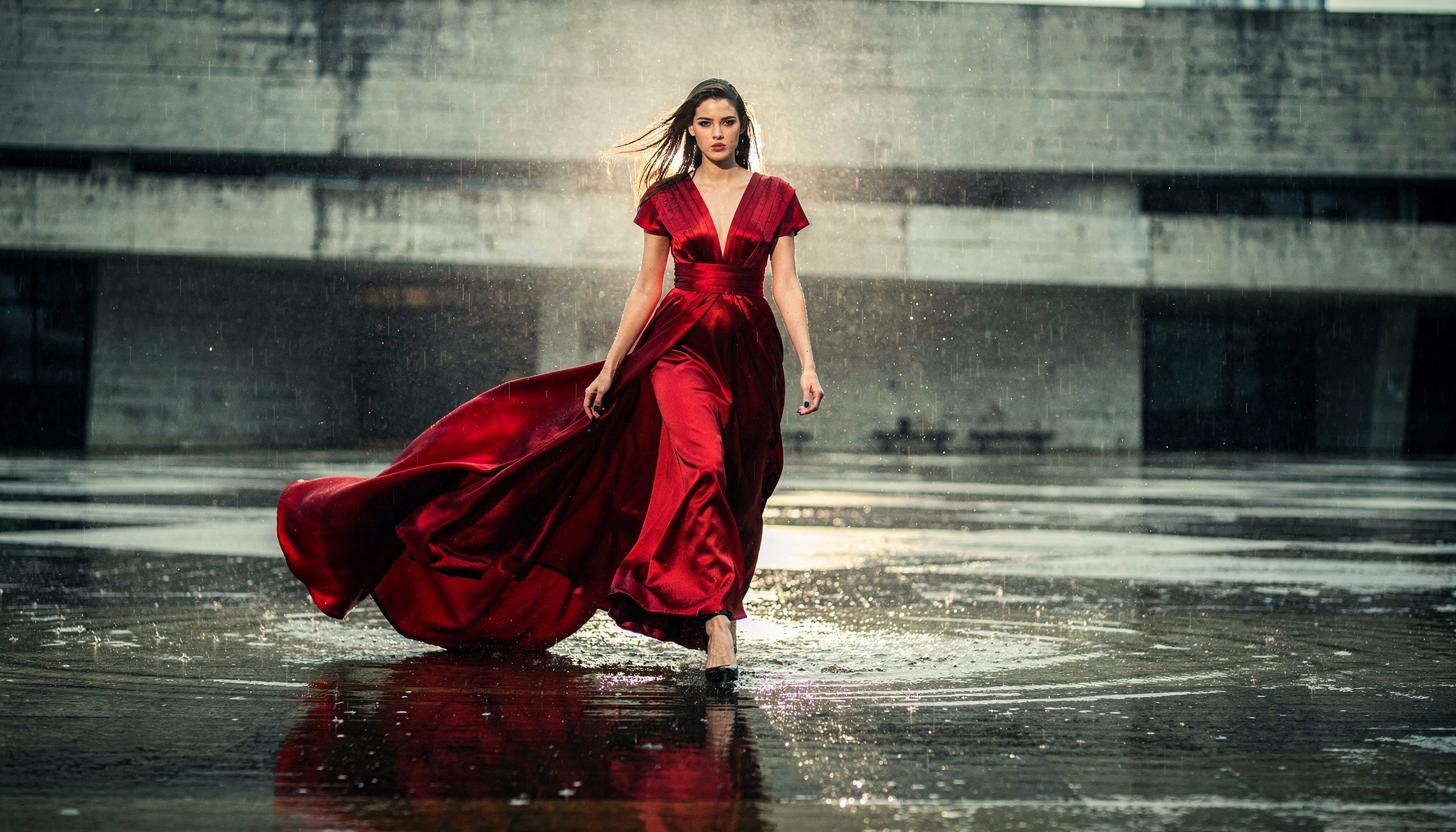
Example prompt
Fashion model in a sculptural crimson silk gown (#B3122E) with a long flowing train, striding toward camera across a flooded concrete plaza during a warm monsoon rain, fabric whipping in the wind. High-fashion editorial photography, shot from a low angle on a 35mm lens, motion-frozen raindrops lit by a strong backlight, reflective wet ground mirroring the gown, muted grey-green brutalist architecture softly blurred behind. Full-body shot, model centered with space above and below, 16:9 frame, bold color contrast, cinematic and powerful.
Questions
Which models can I use?
Flux 2 Pro, Nano Banana Pro, Nano Banana 2.1, Seedream 5.0, and SDXL.
Do all of them offer 4K?
No. Nano Banana 2.1 and Seedream 5.0 include 4K. Flux and Nano Banana Pro stop at 2K. SDXL offers 1344×768 and 2K.
Can I generate four images at once?
Power Studio can request up to four. Other plans generate one image at a time.
Where are the credit prices?
Each model page has a table for one image at each resolution.
Can I remove the background afterward?
Yes. That is a separate step in the background tool, with its own credit price.